Claude painted three oil paintings, one brushstroke at a time, with no undo
Not image generation, not SVG: Opus 5.5 drove a physics simulator of wet oil paint, mixed its colours from historical tubes, made mistakes it couldn't undo, and painted over them. Two master studies of my favourite paintings and an oil version of my own 2018 drawing.
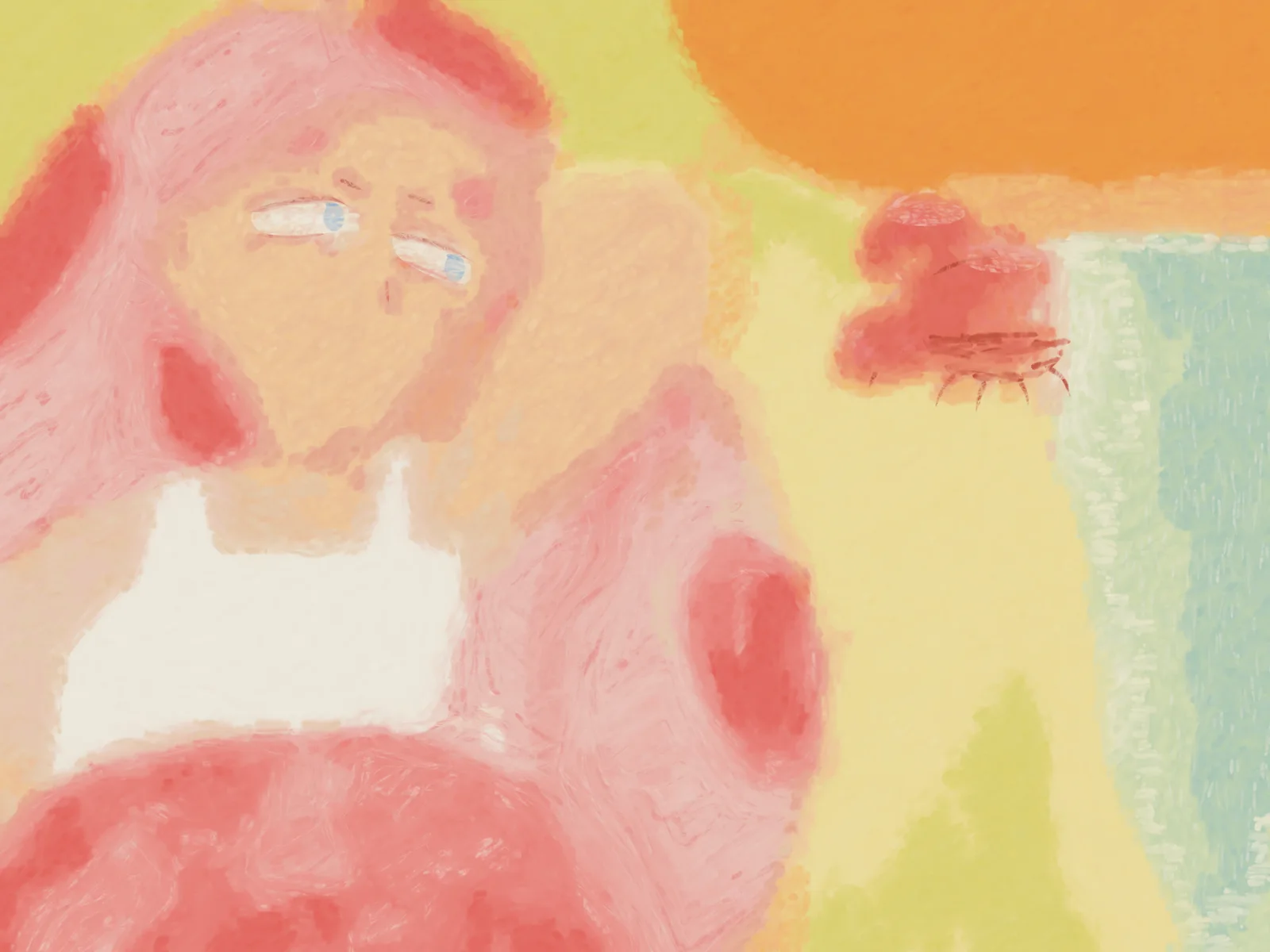
That’s an oil painting. Nobody generated it. Claude painted it: every mark on it was made by a simulated brush carrying simulated wet paint across simulated linen, and the paint was mixed on a palette from fourteen named tubes of historical pigment. It’s my own digital painting from 2018, which I asked it to redo in oil “with a little more detail than what it is now.”
What this actually is
When I ran Opus 5.5 on X alone, the runner-up was Claude Paint by alice (stillwet.art): a Rust physics simulator of oil paint. Bristles carry paint. Wet paint levels out and dries on a clock (lead white is touch-dry in about two days, vermilion is still wet much later). Layers combine optically, so a thin glaze over a dark passage looks like a thin glaze over a dark passage. You only get paint from piles you knife together out of tubes. There is no undo. The painter works through a live session: send a chunk of Lua that paints a passage, step back, look at the canvas, then decide the next passage. The whole painting is a replayable log of those decisions.
That’s why it’s different from the other ways a model makes a picture:
- Image generation predicts pixels. There’s no brush and no process, and nothing underneath the surface. You can’t ask a diffusion model how it got there.
- SVG or math art places perfect shapes. A circle is a circle. Nothing is ever wet, nothing smears into the colour beside it, and a mistake costs nothing.
- Here the picture is the result of actions on a material that pushes back. Colour is limited to what those pigments can actually mix. Paint laid into wet paint mixes with it. A mistake stays on the canvas until you paint over it, and the layer underneath is still there.
How Claude painted
I ran this on my Max plan with Claude Code as the painter, not through the repo’s own agent harness. alice’s simulator was written on macOS, so the first job was porting the easel to Windows. Unix sockets became a localhost port, the server spawn was rewritten, and Lua had to be built with a fixed hash seed so a replay comes out identical. That took about 20 minutes.
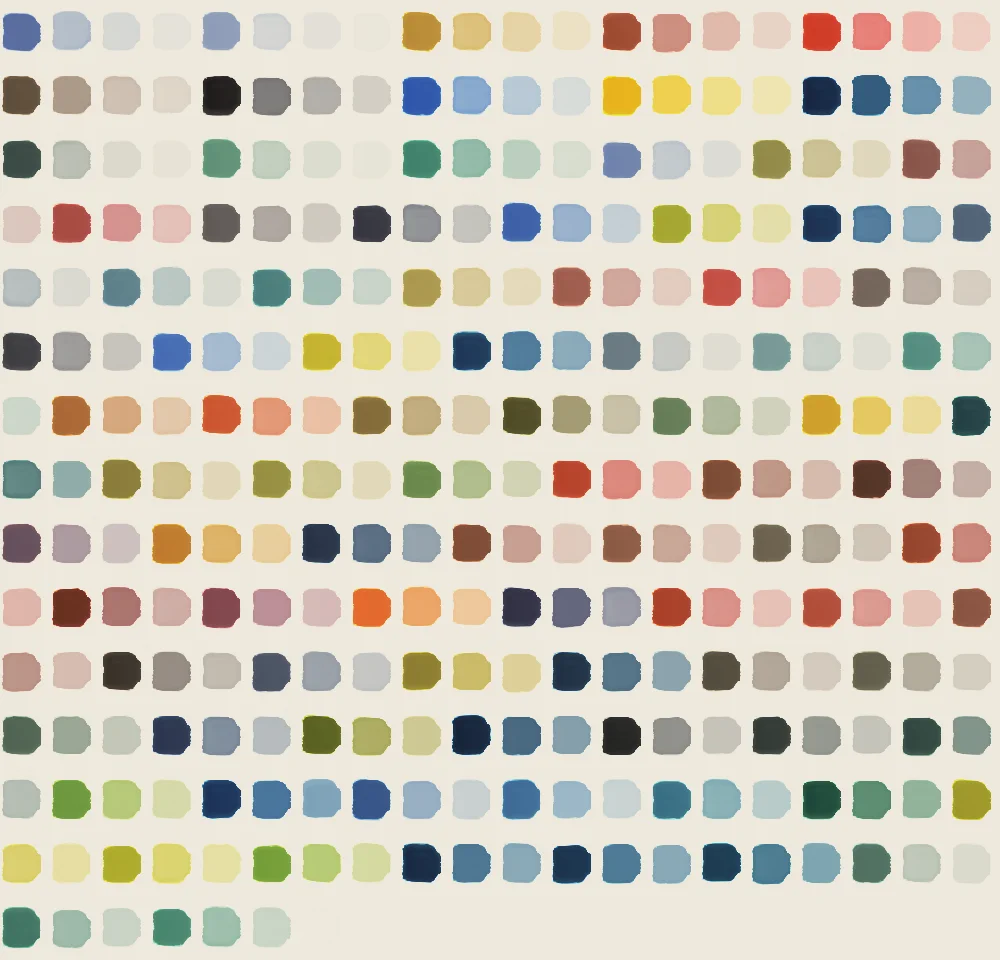
Then it did something I wouldn’t have thought of: it painted a colour chart before painting anything else. That was 287 tube mixes, plus about 1,200 more aimed at the colours it couldn’t hit, each one measured off the canvas. That’s how it knew a pastel pink was vermilion and lead white with a touch of pale smalt.
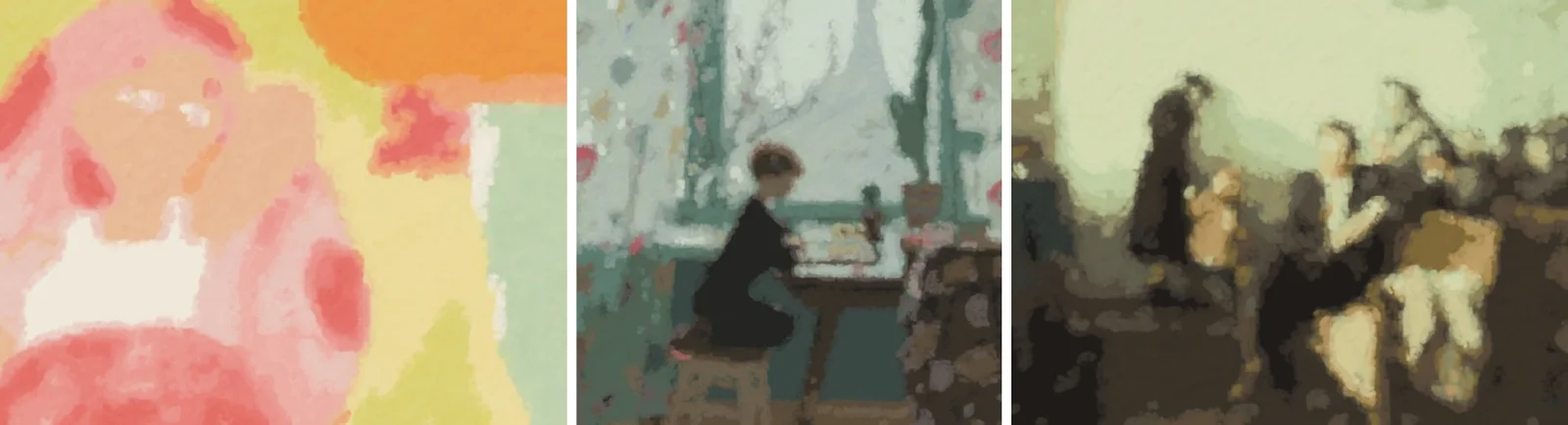
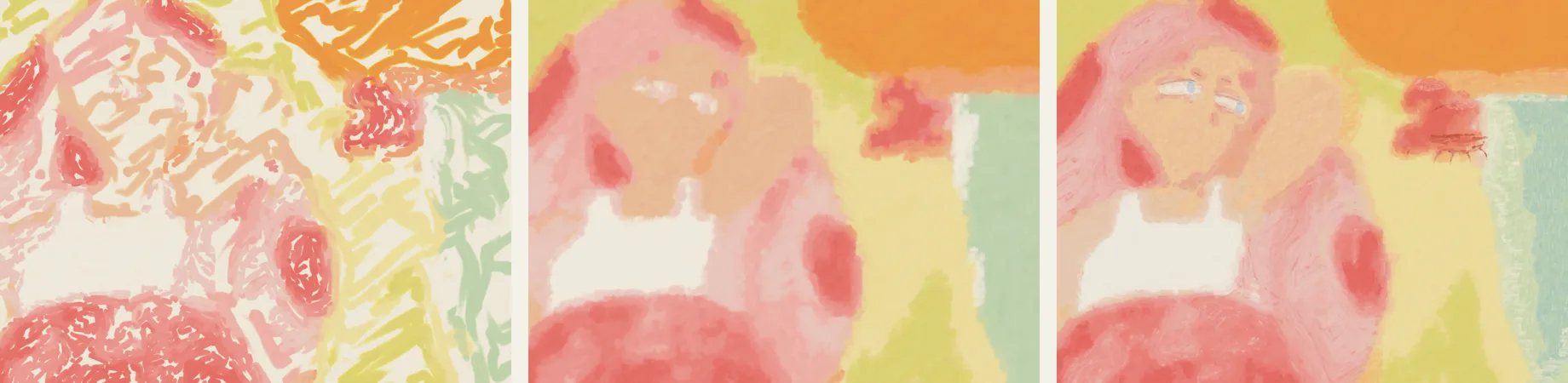
For the copies it squared up each reference into colour zones, the way copyists rule a grid over a print. It blocked in all three paintings first, then refined them one at a time: finer passes, dark accents (twigs, the crane, cactus ribs), light accents, glazes. It painted the faces, eyes and hair strands by hand.
The three paintings
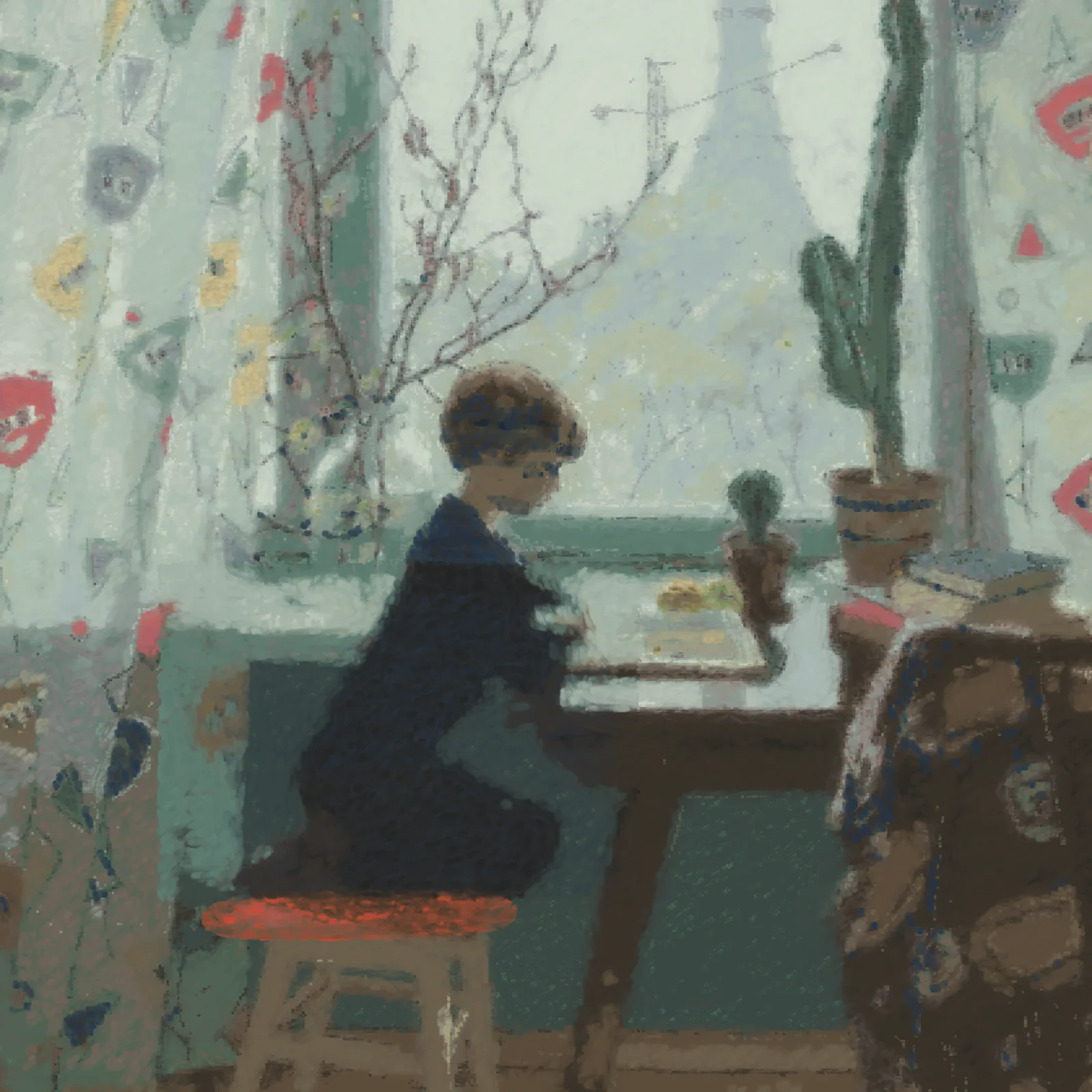
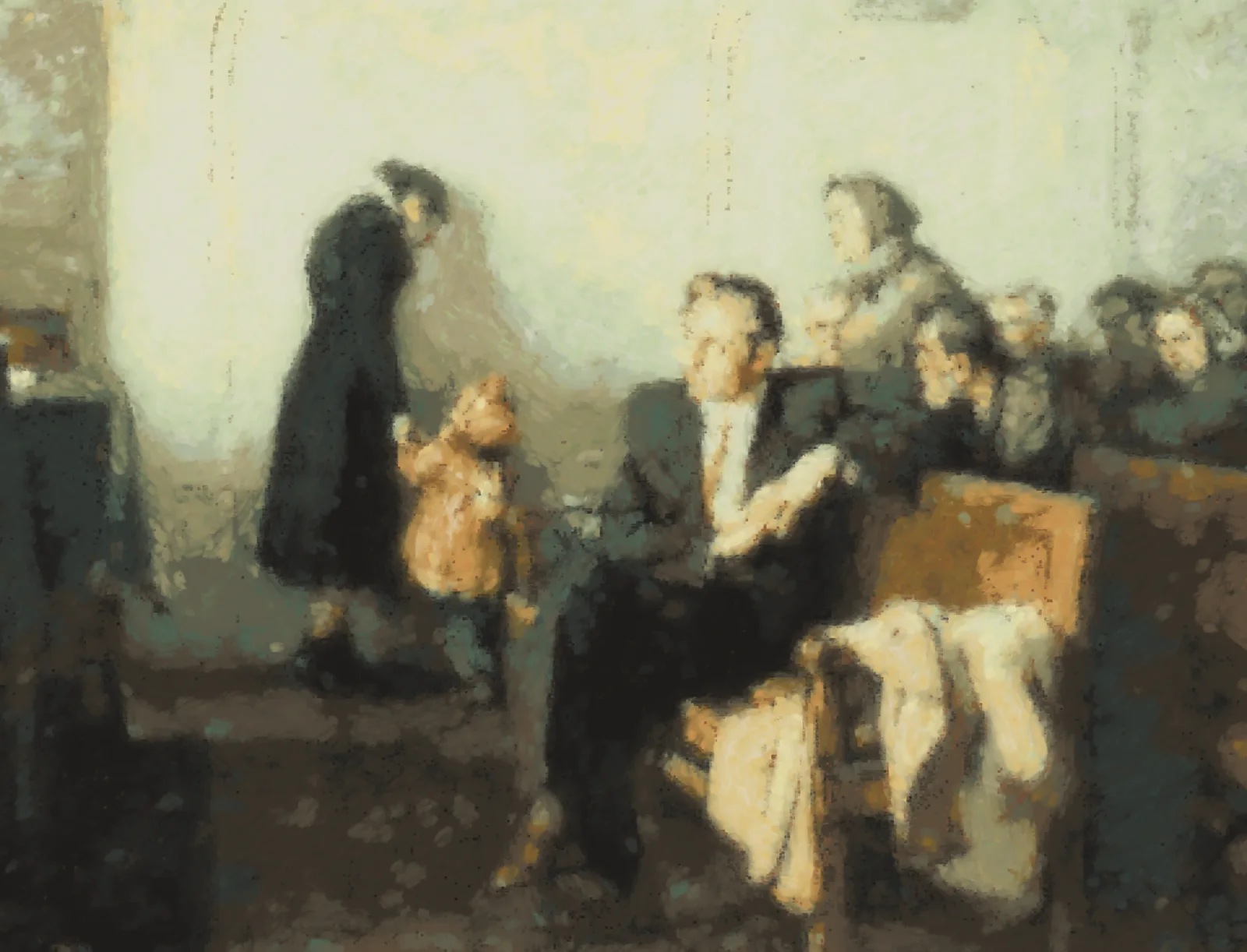
Two of my favourite paintings are ones I saw in person at the Museum of Russian Art. One is a boy reading at a spring window, the other a Soviet courtroom scene. I asked for master studies of both: faithful copies, the way painters learn. These are Claude’s studies, not the originals.
And mine. Left is my 2018 original, right is the oil:
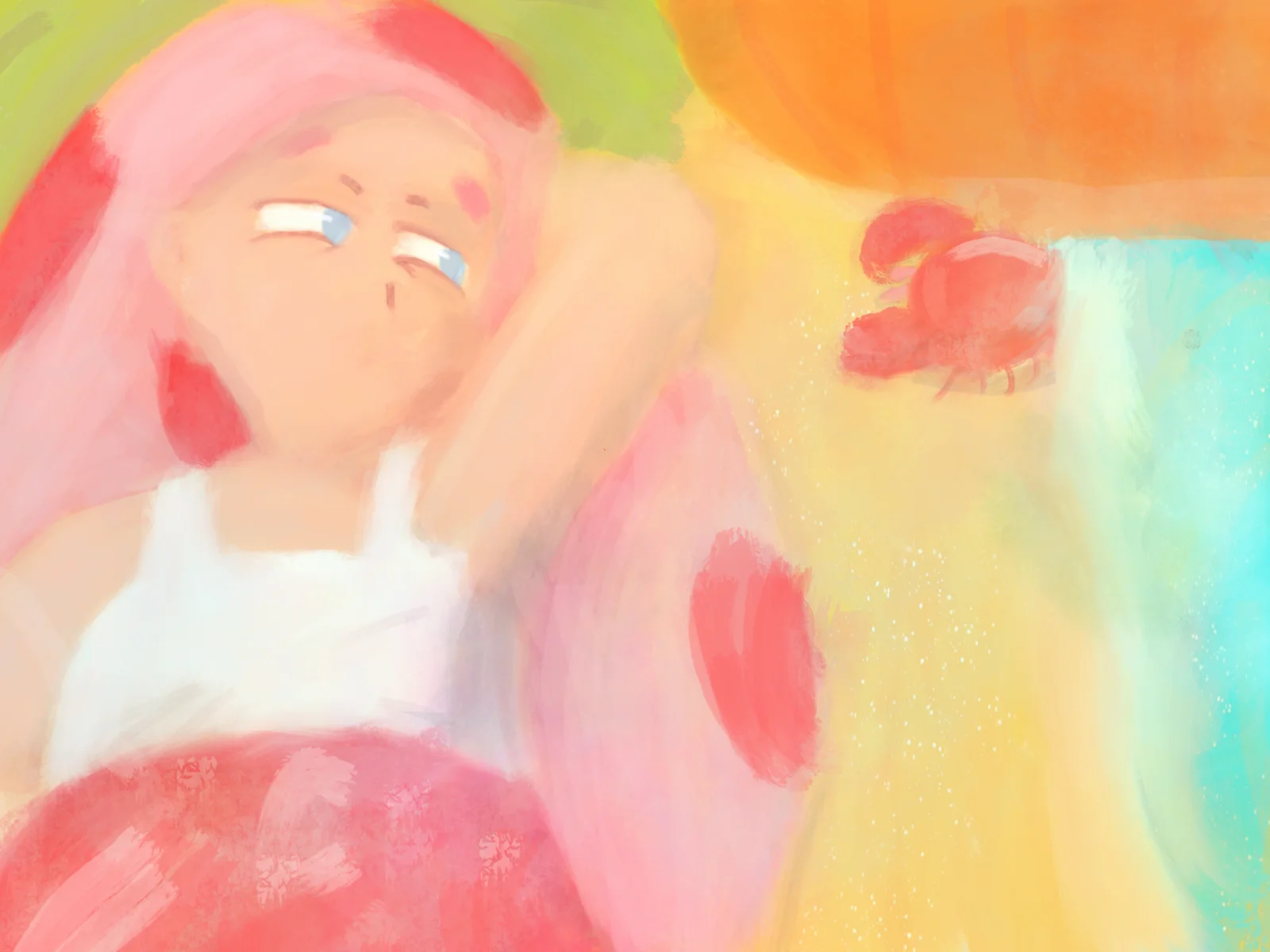
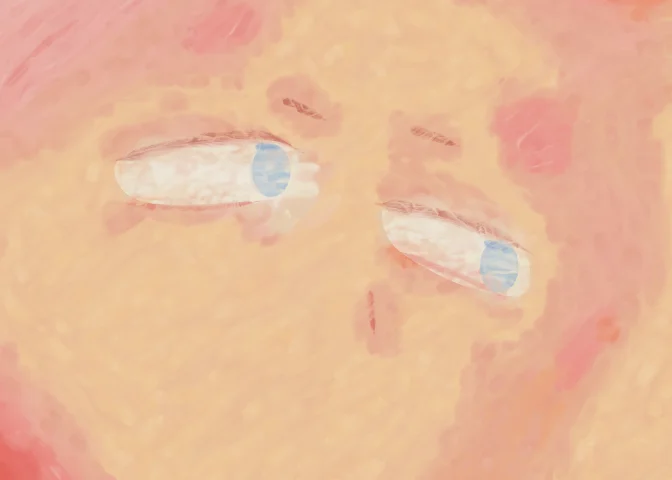
She kept her face: the heavy-lidded, completely unimpressed look is the whole character. The one thing it couldn’t match is my turquoise. There’s no phthalo in a historical tube box, so the water is the nearest green-blue those pigments can make.
What went wrong, which was the useful part
The first block-in of my painting was scribbles on bare canvas: strokes with gaps, as a real hand leaves them. It went over everything again with fuller brushes. Its first eyelids and eyebrows were hairlines too faint to see, painted with a pointed brush at light pressure, so it restated them blunt and fully loaded.
In the spring painting it went looking for the boy’s legs by darkness, and the mask caught the dark green wall too. The result was a navy rectangle in the middle of the picture. No undo. It let the paint set, then repainted that whole region from the reference, inside a clip:
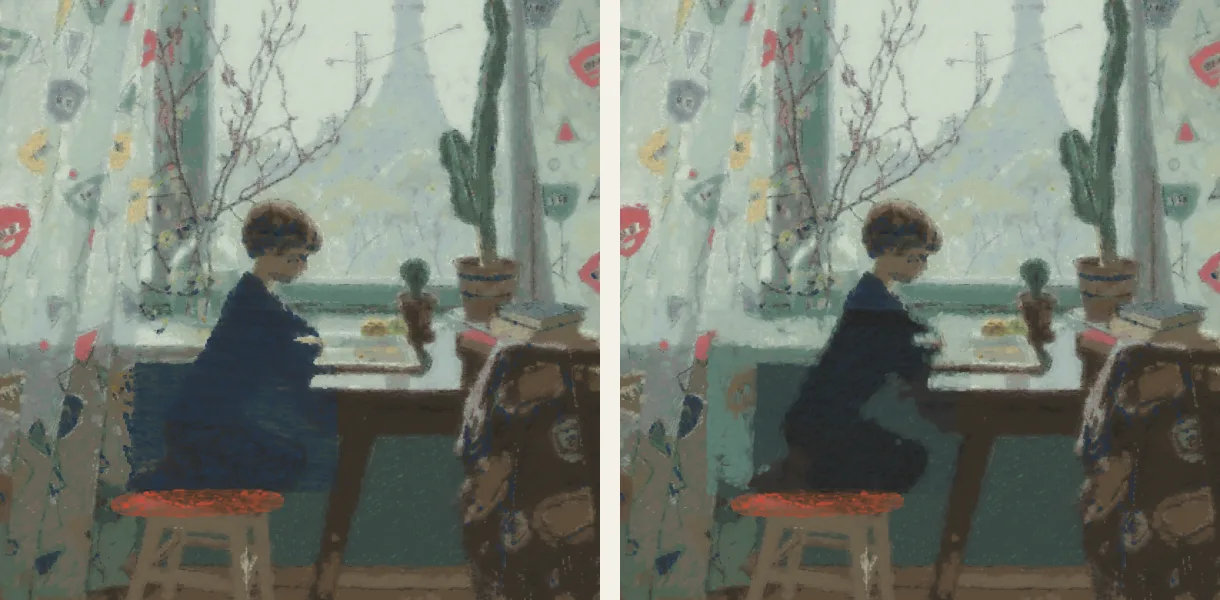
In the courtroom it decided the wall was “too yellow” and scumbled cool grey over it. The original wall really is warm; it hadn’t checked the numbers before correcting. The scumble also chalked over the lit faces, so that came back off the same way, by painting.
What this could be used for
The log is the part I keep thinking about. Every painting here is a list of physical actions, so:
- Time-lapses for free. Replay the log and save a frame every few seconds of painting time. (Coming below.)
- Paintings under paintings. Paint one picture, let it dry, paint another over it. The first survives as ridges in the surface and shows through wherever the new paint is thin, like a pentimento in an X-ray. I had it do exactly this with three paintings of my characters; it’s at the bottom of this post.
- A stroke plan a real robot arm could follow. Positions, pressures, loads, which pile.
- Teaching. You can watch a passage go wrong and see exactly which decision did it.
It ran about 25 minutes of CPU for all three paintings and moved my weekly usage by about two percent. The simulator is all CPU, so my GPU sat this one out.
The time-lapses
Each one is the painting’s log replayed from the first chunk, with a frame saved every 45 seconds of painting time. Nothing here was recorded; it’s re-painted from the log.
You can see the mistakes go in and get painted out: the navy block in the spring study, the chalky wall in the courtroom.
Three paintings on one canvas
Then I gave it a harder job: three ChatGPT images of my characters Jefrie and BloodTailor, painted one on top of the other on a single canvas, with each painting saved on its own before the next one buried it. The ChatGPT images had problems. They were crunchy, Jefrie’s scythe was wrong, and her tail floated behind her instead of growing out of her. So I told it to fix those rather than copy them. It read both characters’ canon first, gave her a single scythe blade with the red eye at its base and a bare haft, and joined her tail at her lower back.
That’s all 54 chunks replayed from one log: the first painting, buried by the second, buried by the third.
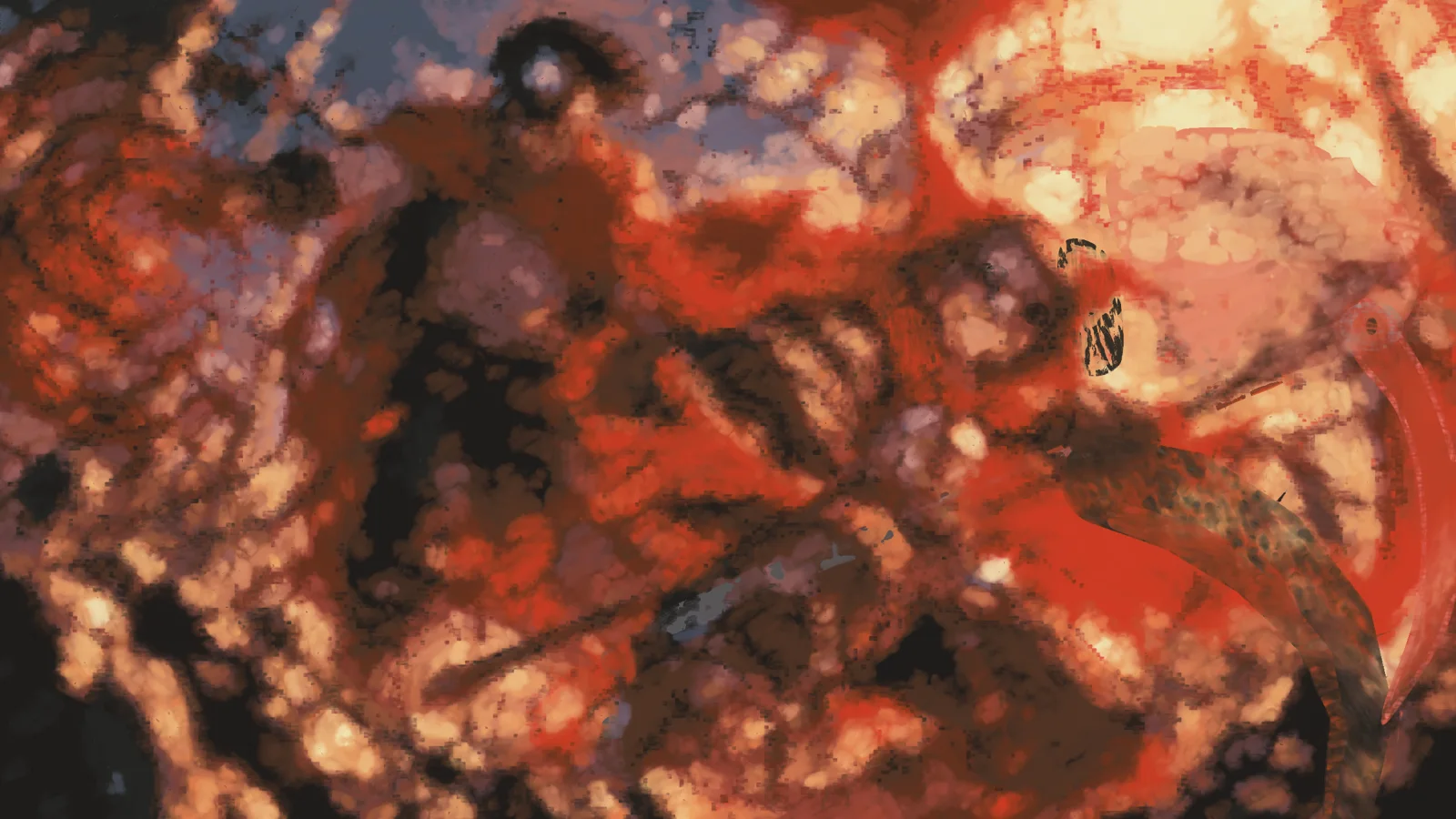
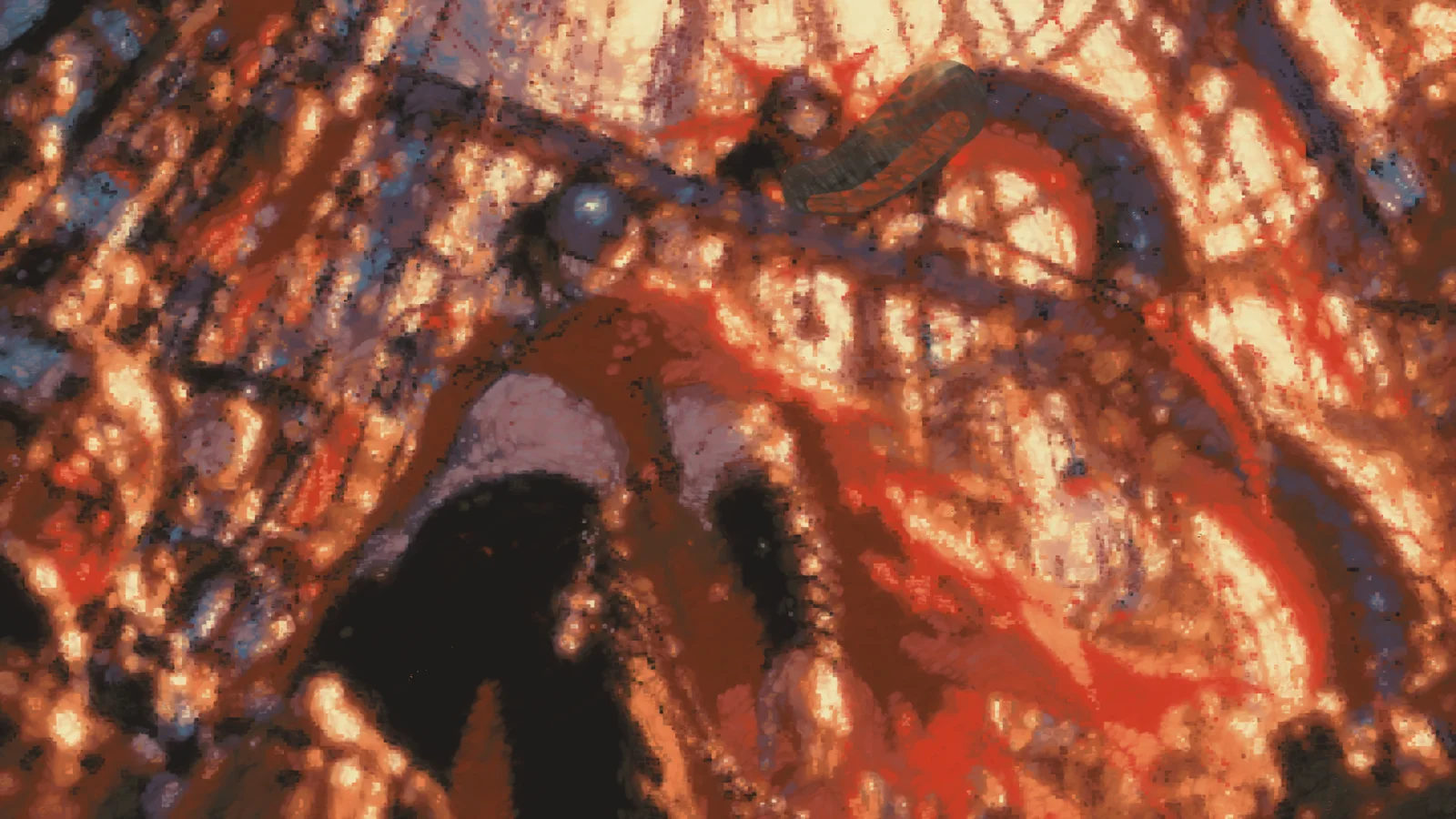
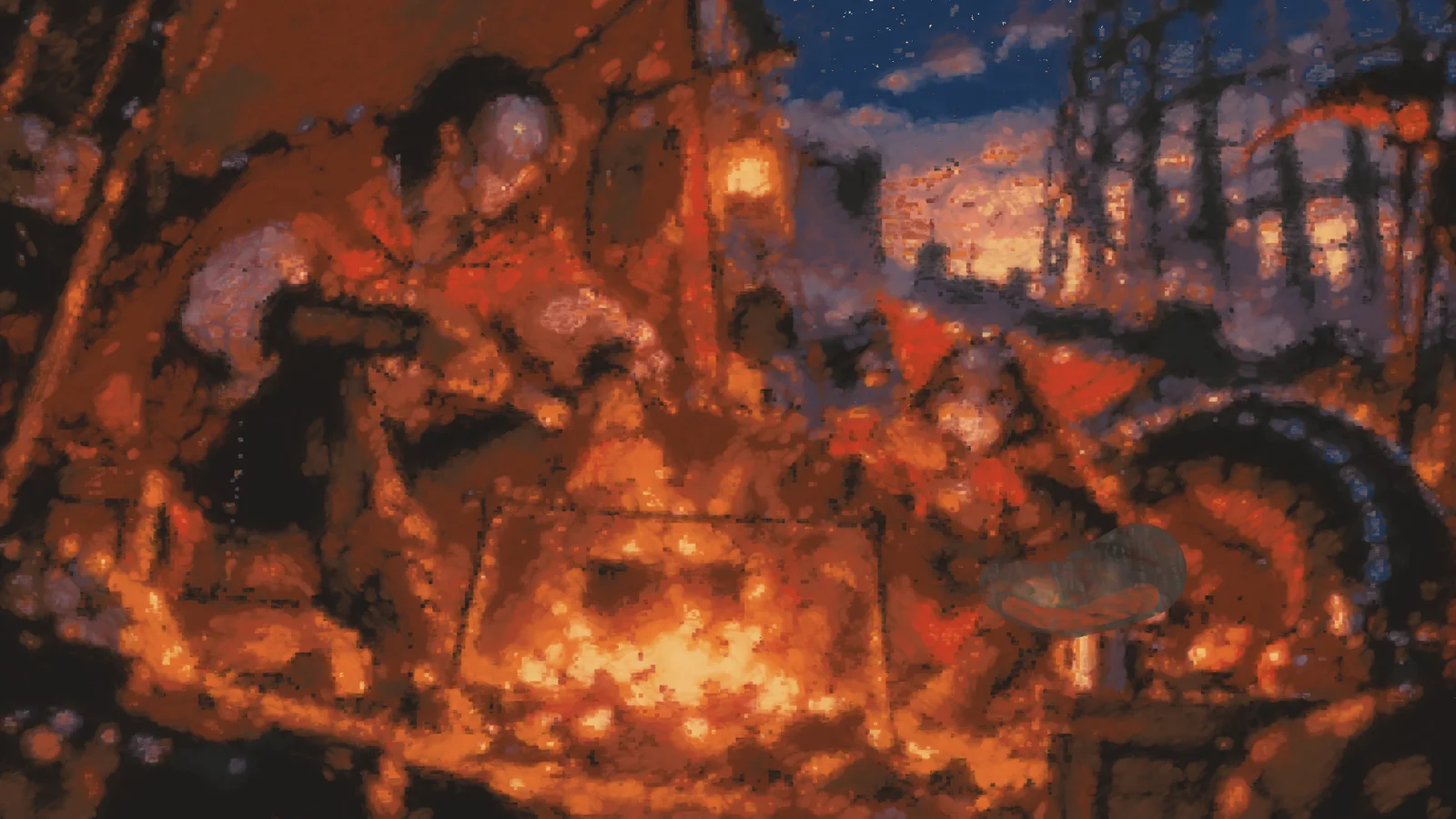
These are much worse than the first three, and the reason is worth knowing. Squaring up works by grouping a picture into colour zones. On the museum paintings, the zones followed the forms: a navy boy against a green wall. On these images almost everything is red, orange or near-black, so the zones cut straight across the figures and the figures dissolved. Its first pass also copied the ChatGPT crunch faithfully, as noise. Smoothing the reference first made it worse: the figures turned into blobs. Only the campfire, the top layer, reads properly.
The fix isn’t more passes, it’s a different plan. Decide the values first, draw the figures as shapes by hand, then colour inside them. That’s what a painter would do with a busy picture, and the simulator would let it. This run ran out of my weekly usage before it got the chance.